For authorities
See how KlarDok guides people through a naturalisation form and produces a PDF. We can explore together how the process would fit your office.
Information for authoritiesAnswer the questions in your language, review your details and create a completed application as a PDF.
Deutsch · English · Türkçe · العربية
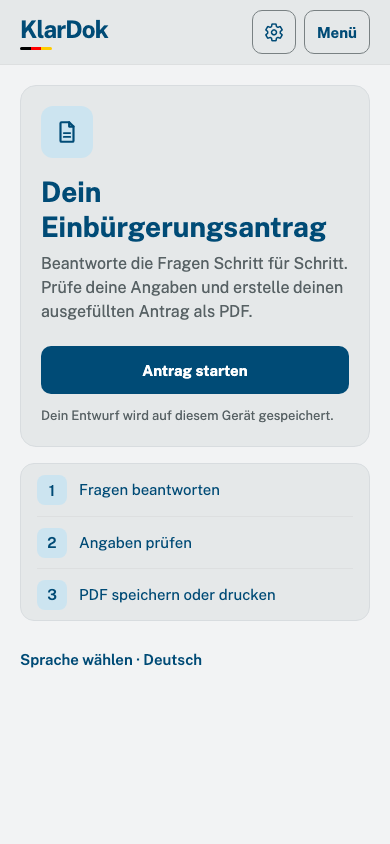
KlarDok guides you through the sections. You can resume your draft later on the same device.
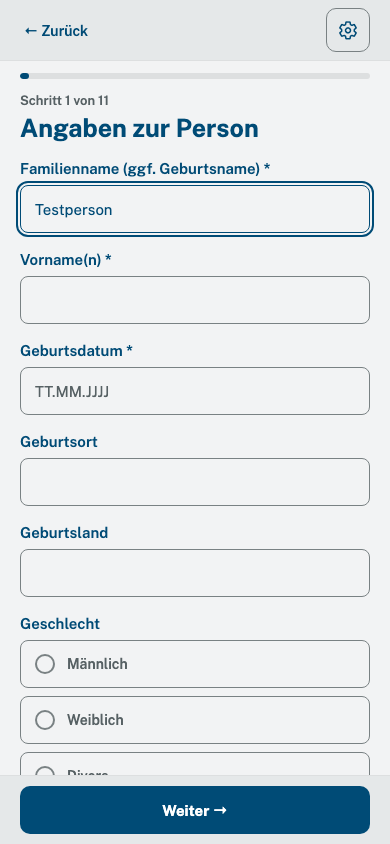
Check your answers in the overview and correct individual details as needed.
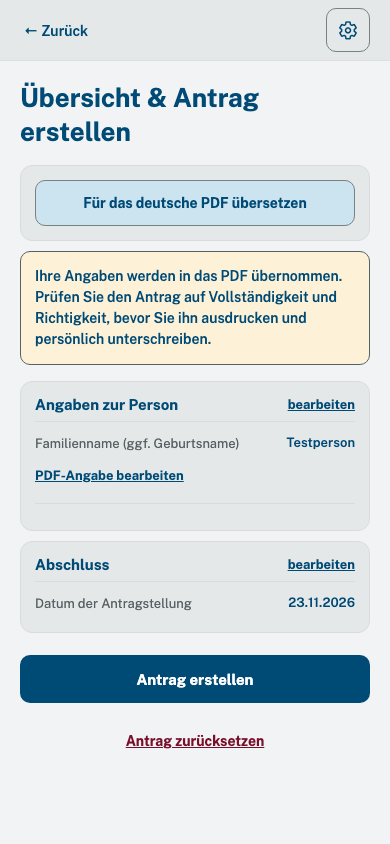
Generate your completed application. You can save or print the PDF.
We want to cover more public services and test KlarDok with cities and districts.
Complete an application step by step, review your details and generate a PDF.
This module is designed to help people prepare a long-term care application and gather supporting documents.
Add more applications, checklists and a way to search for forms. Work with cities and districts to test ways to make local forms and guidance easier to find.
See how KlarDok guides people through a naturalisation form and produces a PDF. We can explore together how the process would fit your office.
Information for authoritiesKlarDok focuses on application preparation. Naturalisation shows how a multilingual workflow can guide people through a complex form.
Information for investorsOn the device and in the browser where you started the draft. Saved form answers are encrypted.
If you use translation, the answers you select are sent to the translation service after you confirm, so they can be translated into German.
You receive a PDF for your records. Review the document and ask your local naturalisation office how to submit it.